Boards your client can add to.
Make a board of references. Share a link. Ask for picks. One moodboard that is both of yours.
01
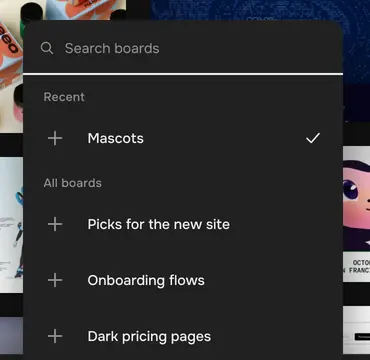
Save to a board.
Collect the references you want feedback on. Write a note on a few to say why you chose them.
02
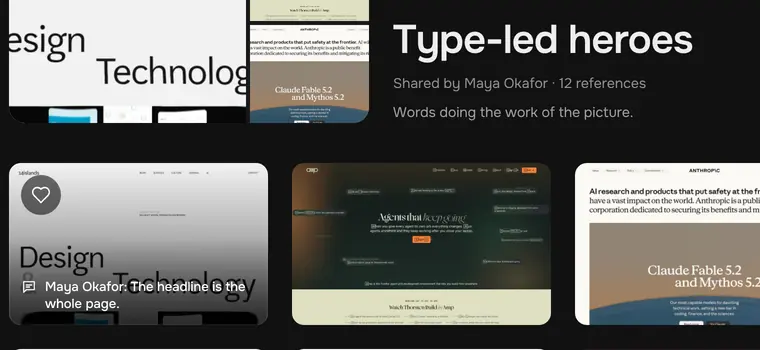
Share the link.
Delightful makes a link anyone can open. The shared board is read-only, and carries the name of whoever shared it.
03
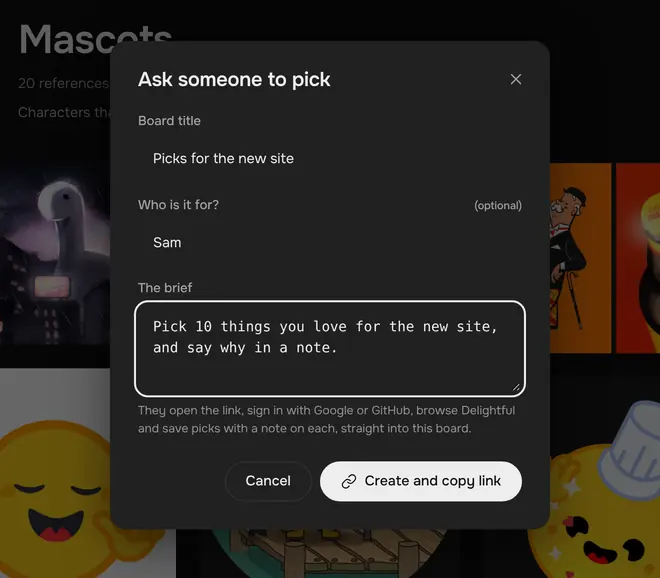
Ask for picks.
Write a brief and say who it is for. They sign in, browse the library and save picks with a note each, straight into the board.
Questions
Do I need to give edit access?
No. A shared board link is read-only. Anyone you ask to pick adds their own saves; they cannot edit or remove yours.
Does my client need to sign in?
To add picks, yes: they sign in with Google or GitHub so each pick carries a name. Viewing a shared board needs no account.
Can I keep adding to a board while it is shared?
Yes. Anyone with the link sees the board as it is now.
Can I send a shared board to my agent?
Yes. Send to agent is on the shared board as well, and the board is readable over MCP from its link.